QR Studio

Make a QR code worth scanning.

Four steps, a live preview, a sharp export. Nothing leaves your browser.

PreviewSample

Your code will appear here.

Generated on your device. Nothing is uploaded.

Step 1 of 4

What should the code do?

Four kinds

One square, four things it can do.

A QR code is not a picture of a link, it is the data itself. The phone reads it and acts, with no app and no page in between. Here is what each kind sets off.

Wi-Fi

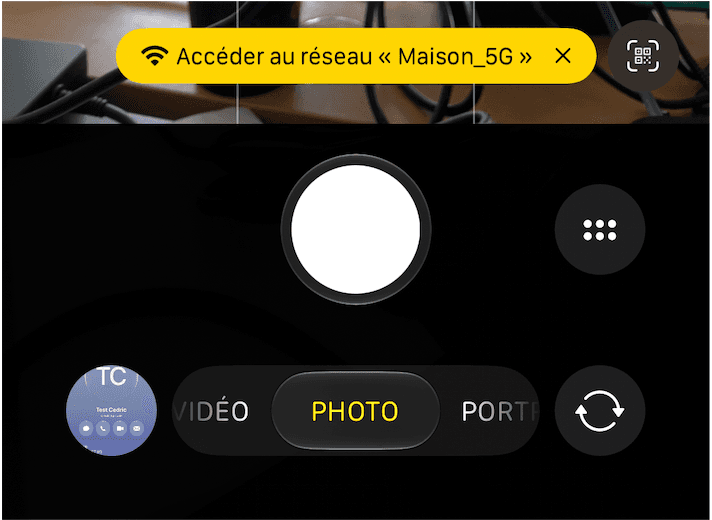
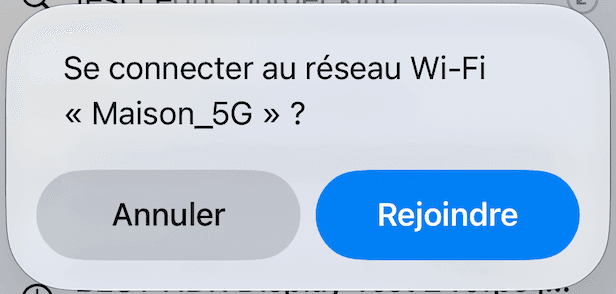
The network name, its security type and its password, encoded together. The camera offers the network, one tap joins it, the password is never dictated out loud, never left on a sticky note beside the router.

  1. 1The camera alone. Nothing to install.
  2. 2One tap, and the phone is on.
iPhone camera showing a banner offering to join the “Maison_5G” network
iOS dialog asking to join the Wi-Fi network “Maison_5G”, with Cancel and Join

Contact

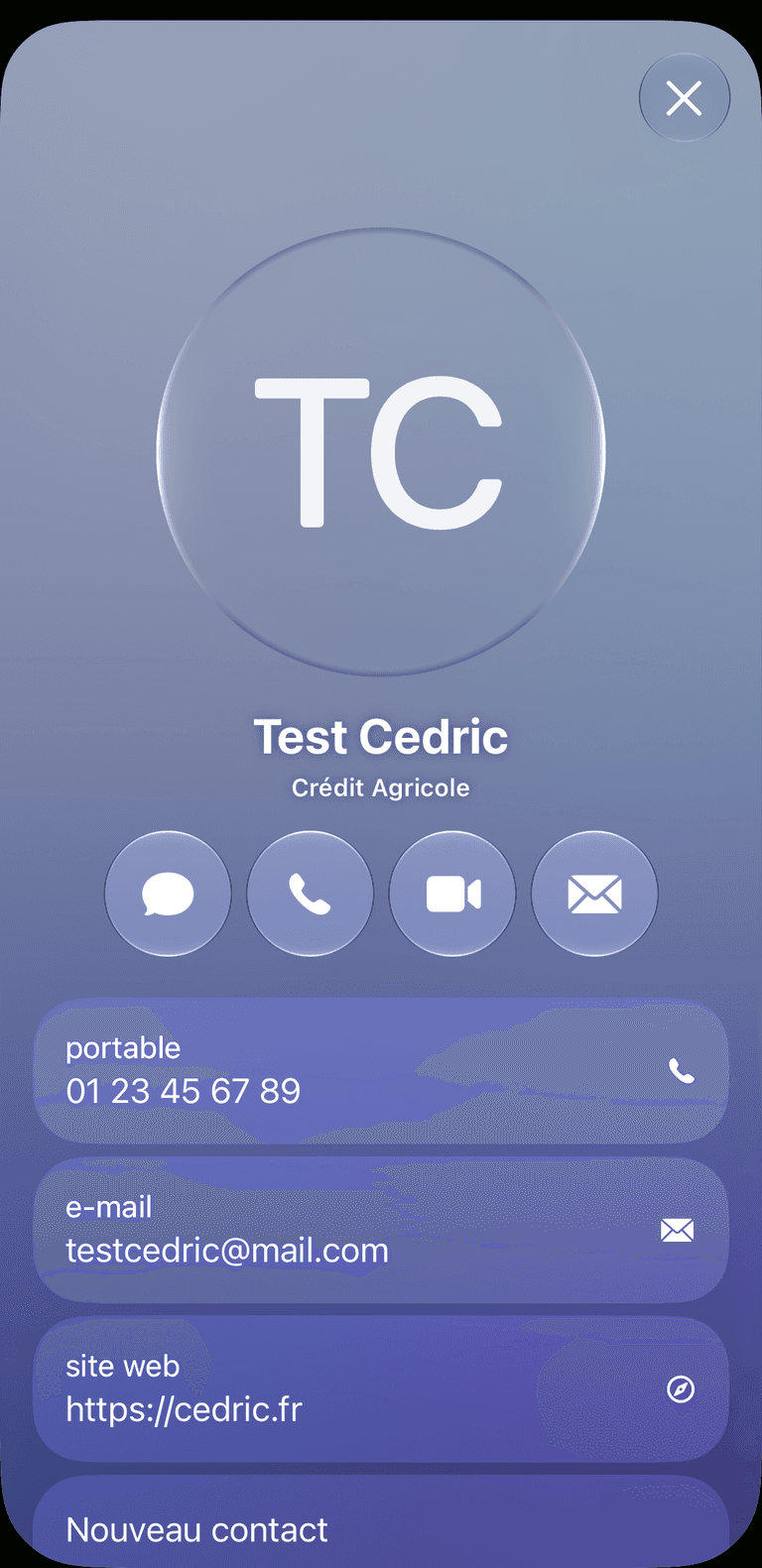
A vCard, name, company, phone, e-mail, website. The phone opens a card that is ready to keep, saved in one tap, with no typo in the number. At home on a business card or in an e-mail signature.

Saved as a contact, not retyped.

iPhone showing the decoded contact card, with its message, call, video and mail buttons

Link

The everyday one. Any web address, a site, a menu, a form, a video, opens straight in the browser.

Text

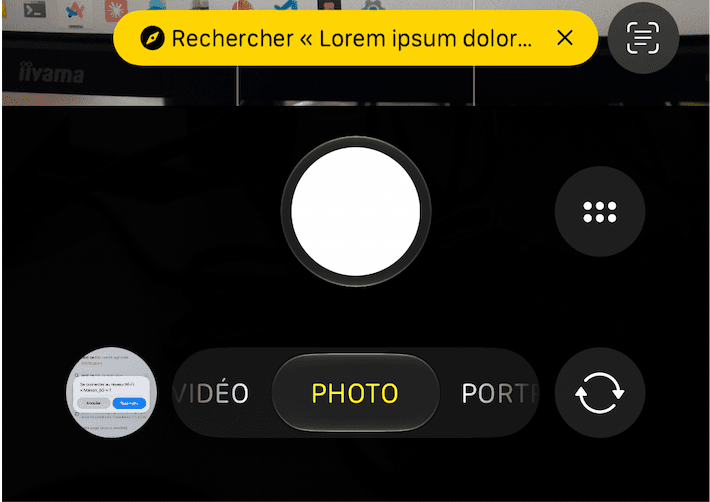
Plain text, encoded as is. The phone shows it in the viewfinder and offers to search it, a table number, a serial, a short note. Nothing is fetched, so it works with no network at all.

iPhone camera showing the decoded text read back in a banner